
Switch it on for Claude Code
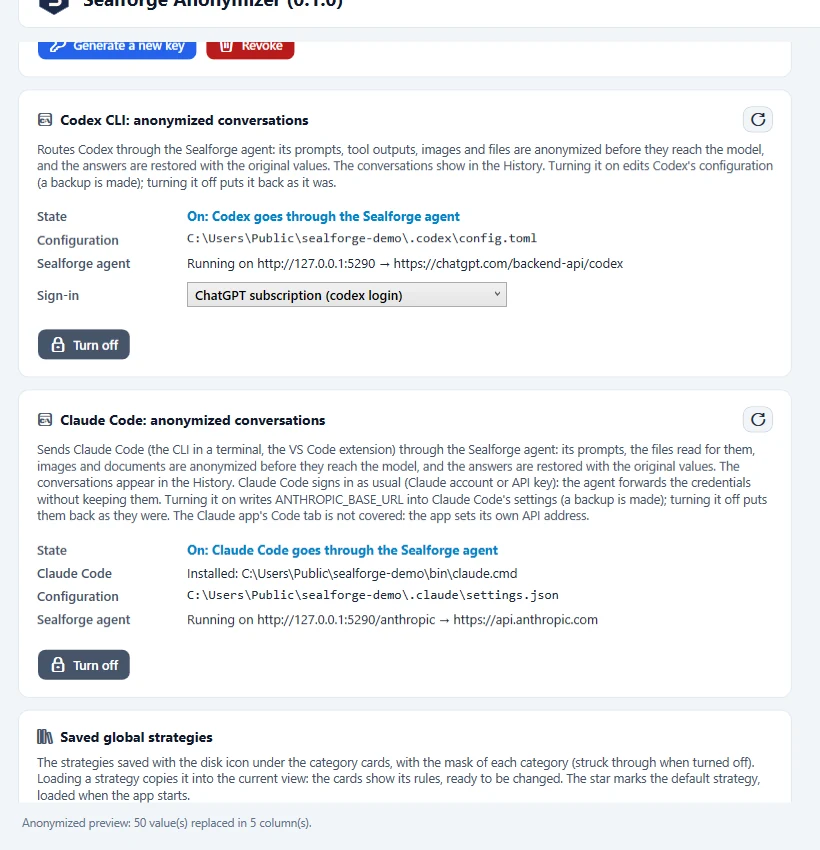
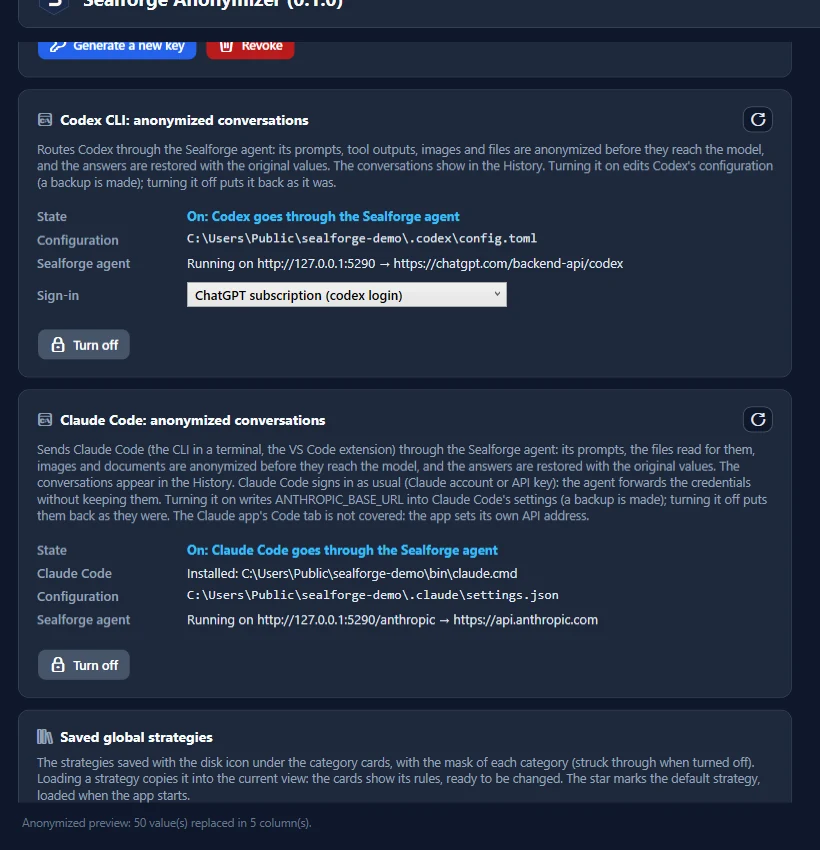
Settings → Claude Code → Turn on for Claude Code. The app writes ANTHROPIC_BASE_URL in ~/.claude/settings.json (a copy is made): every session started from a terminal or VS Code goes through the agent.
Sign in as usual
Restart Claude Code. It signs in with your Claude account (claude login) or your API key: the agent forwards the credentials without keeping them.
In the Claude app: the Sealforge module
The Claude app's Code tab sets its own API address. The sealforge-anonymizer module therefore pseudonymizes from the inside: every message the model will read goes through the agent, and the answer is restored on screen.
/sealforge on       # turns the module on (new session)
/sealforge status   # agent status
/sealforge off      # turns it off
Tip. Turn it on at the start of a session: what was sent before stays as it was.
Follow what goes out
As with Codex, the agent's activity window lists the conversation under "Claude Code": sent to the model, original, restored answer.
In Codex and Claude Code
What changes in Claude Code, and what to know.
Codex
- Codex is set up separately: see the Codex guide.
- One local agent for both tools.
Claude Code
- The model only reads tokens; tools run with the real values.
- The system prompt and
CLAUDE.mdare sent as they are by default. - Thinking blocks are not restored: they show the tokens.
- A file mentioned with
@in the app is read by the Read tool, pseudonymized.