
Open the history
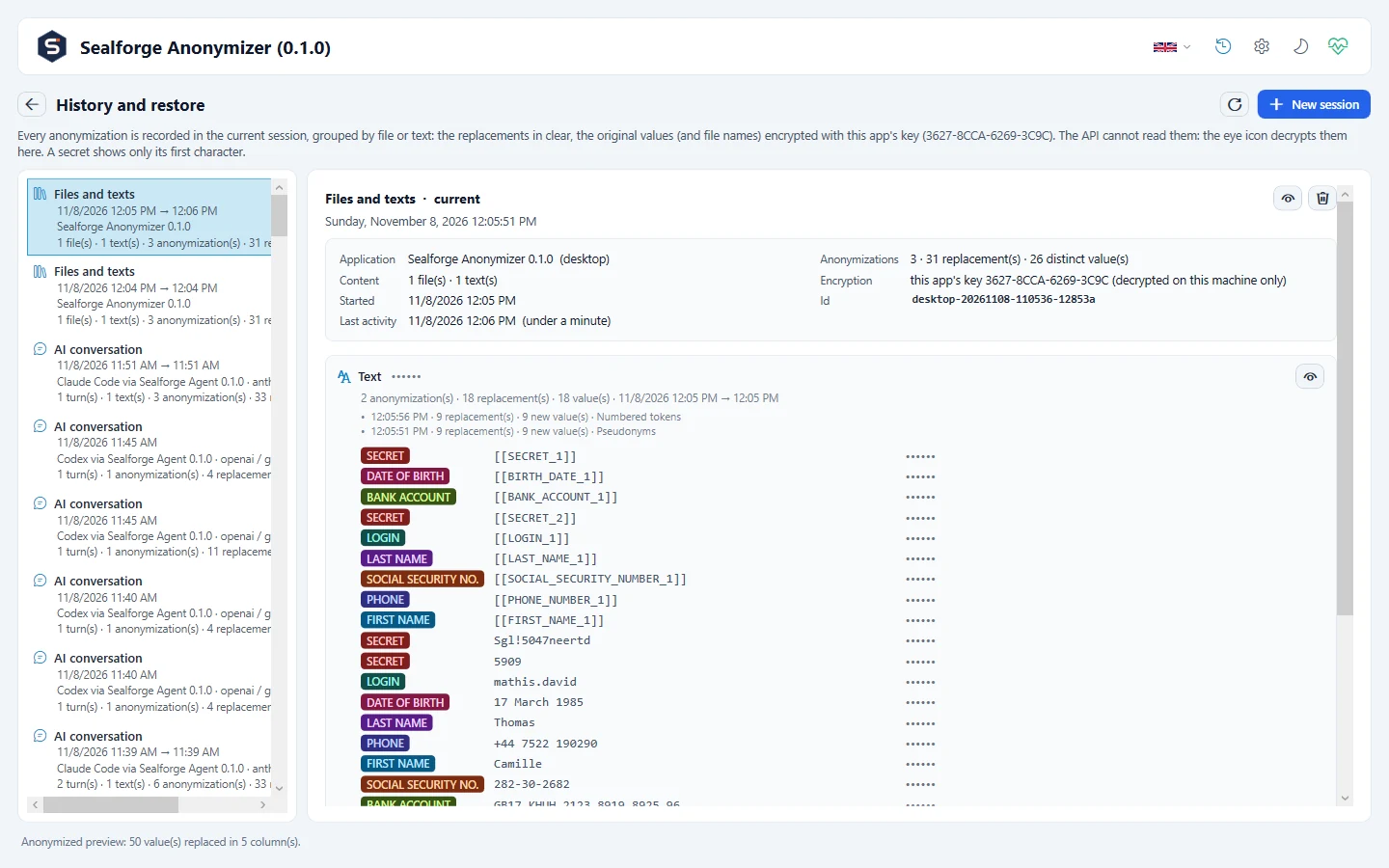
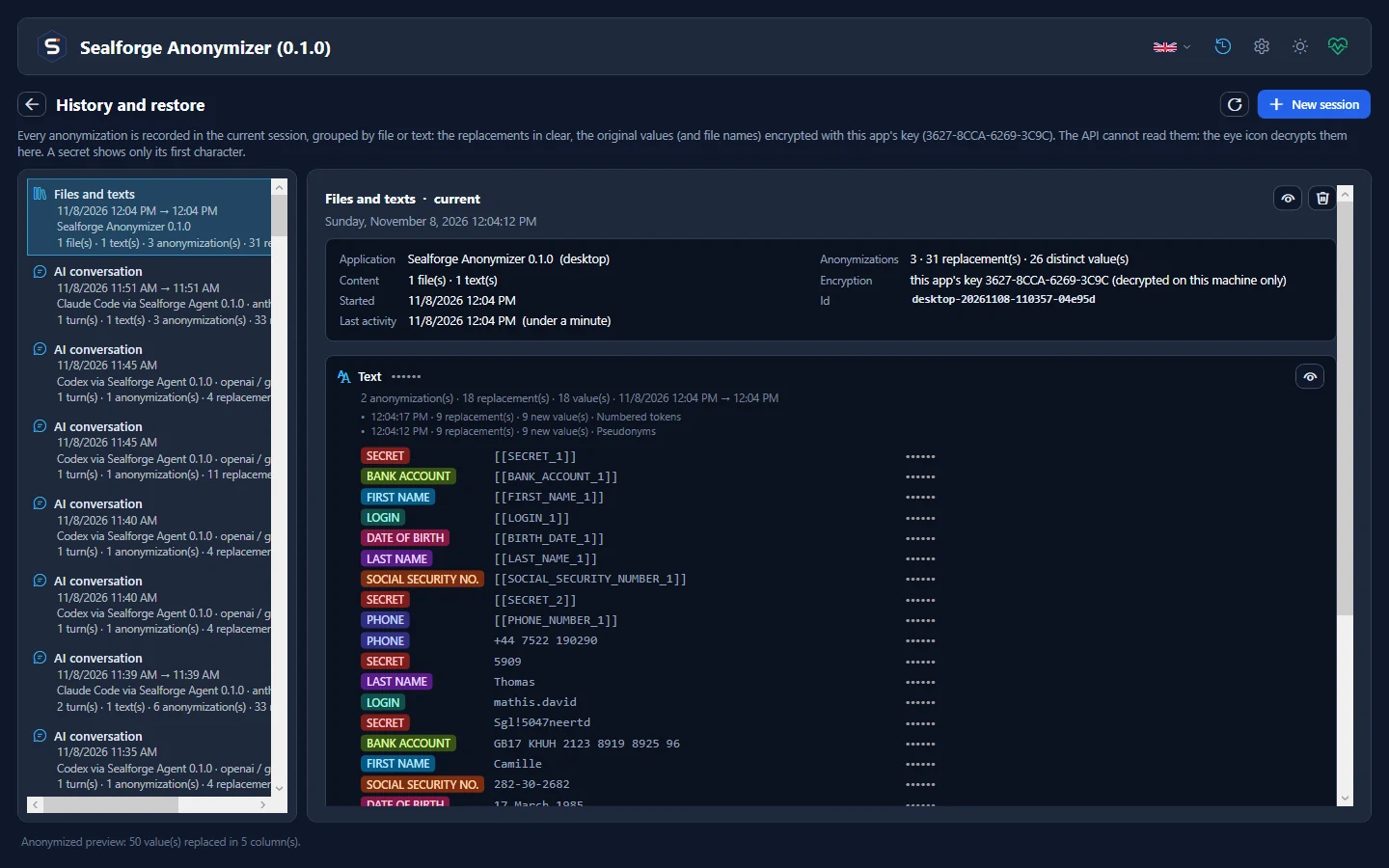
The clock icon opens the history. Each session shows its application, its AI provider and model, its content (texts, files, conversation) and its dates.
Reveal the original values
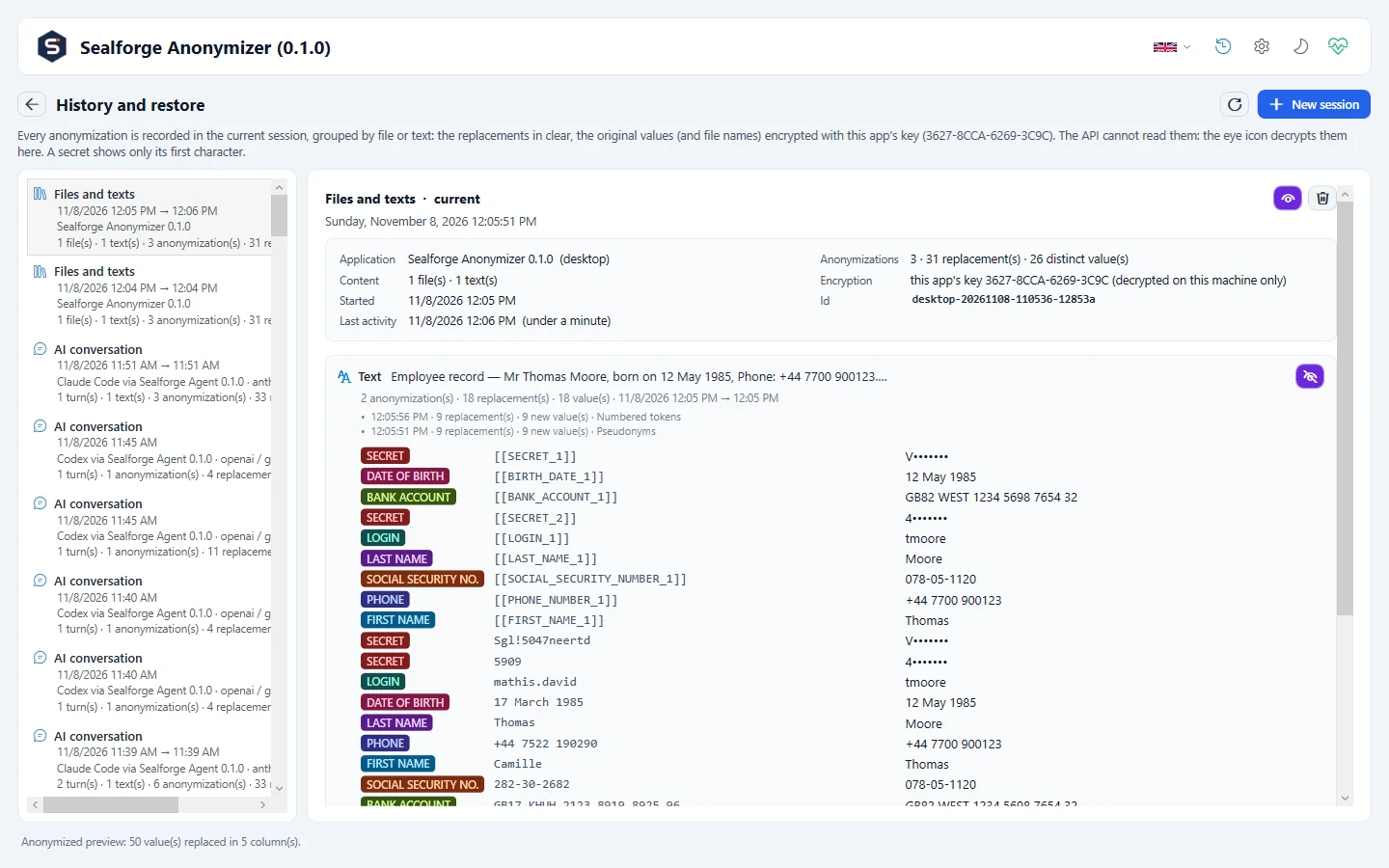
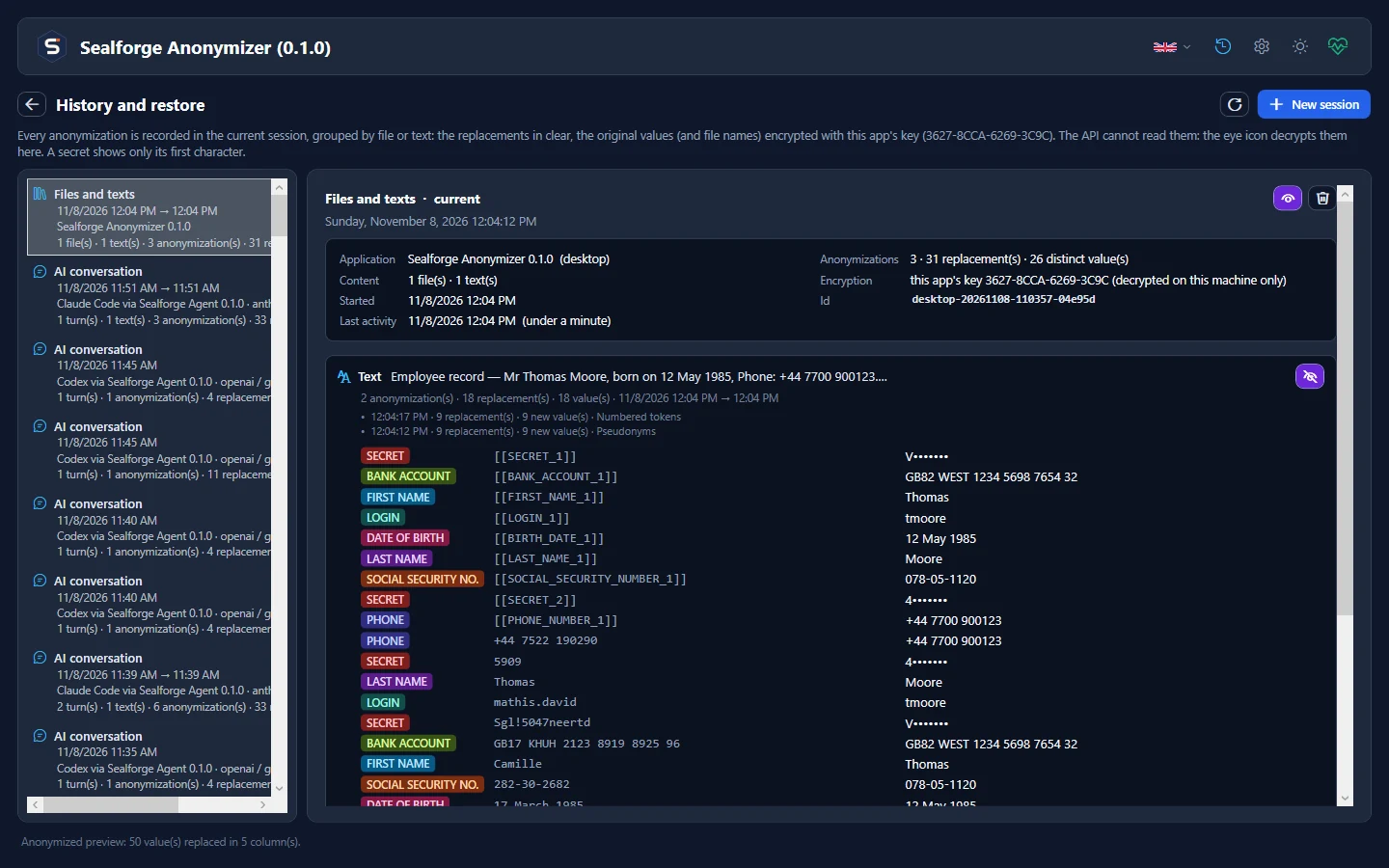
Open a session: pseudonymizations are grouped by file, by text or by conversation turn. The eye icon decrypts the original values, on this computer only. A secret only shows its first character.
Organize
New session separates what comes next. The bin deletes a session. The key that encrypts the history is managed in Settings → This app's key.
Warning. Generating a new key makes the values encrypted with the old one unreadable.
In Codex and Claude Code
Every agent conversation becomes a history session.
Codex
- One session per Codex conversation: application "Codex via Sealforge Agent", provider openai, the model used.
- The conversation's turns are grouped there, with their tokens and the encrypted values.
Claude Code
- One session per Claude Code conversation: application "Claude Code via Sealforge Agent", provider anthropic.
- A session's background requests (title, classifiers) join the same conversation.