
Paste the text
In the Text view, paste your text into the left area, or pick a sample from the list at the top right. A pasted screenshot (Ctrl+V) is read by optical character recognition and its text inserted.
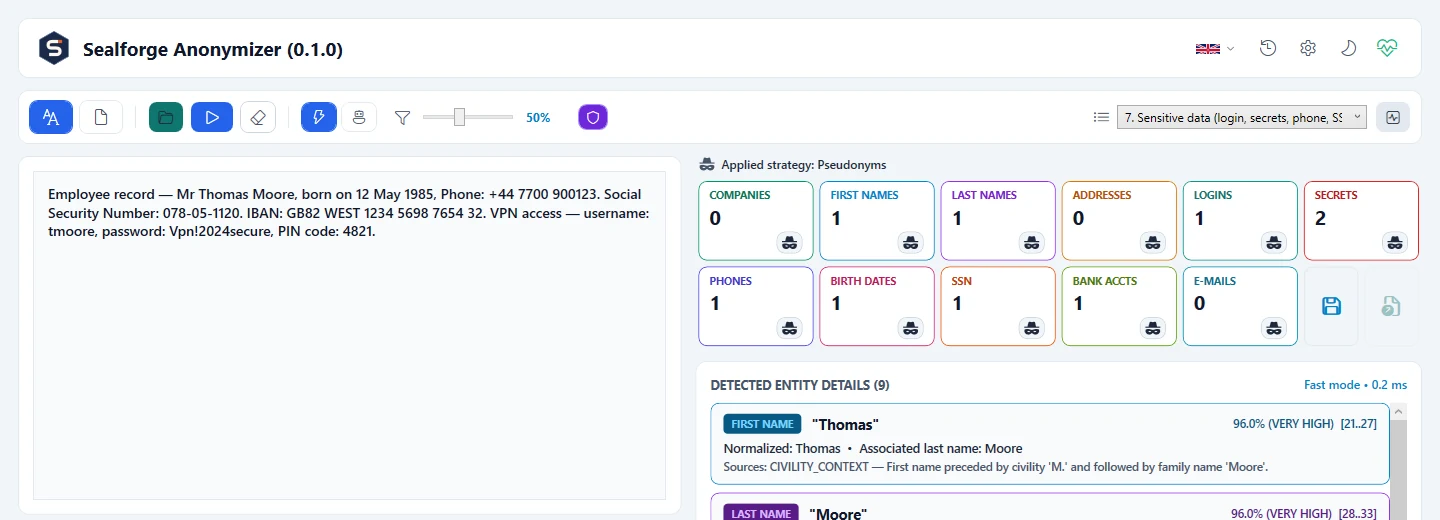
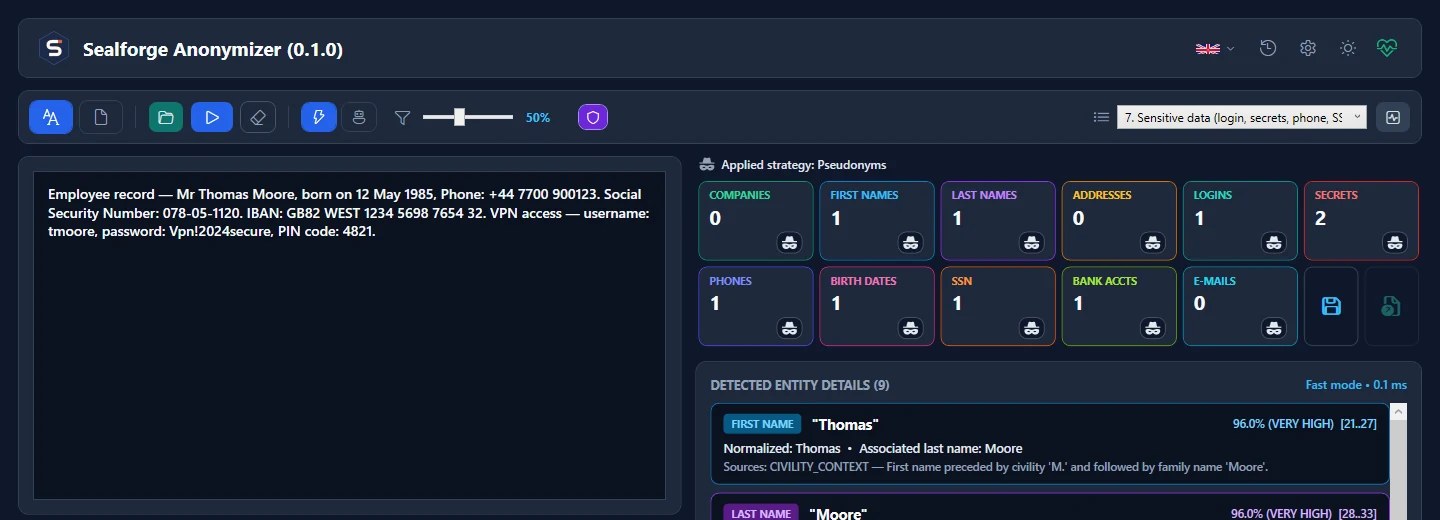
Choose the analysis mode
- Fast: rules and dictionaries, in a few milliseconds.
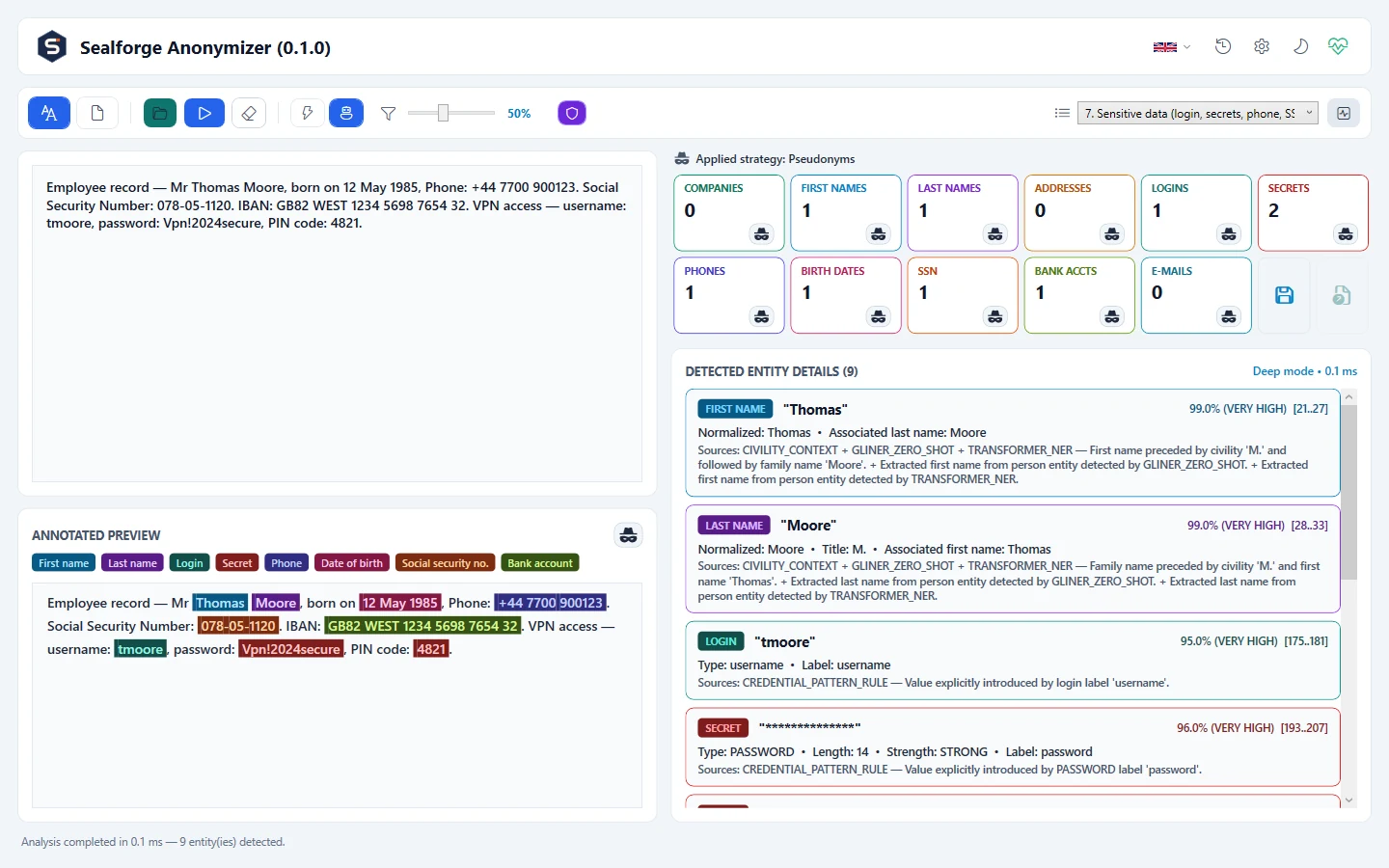
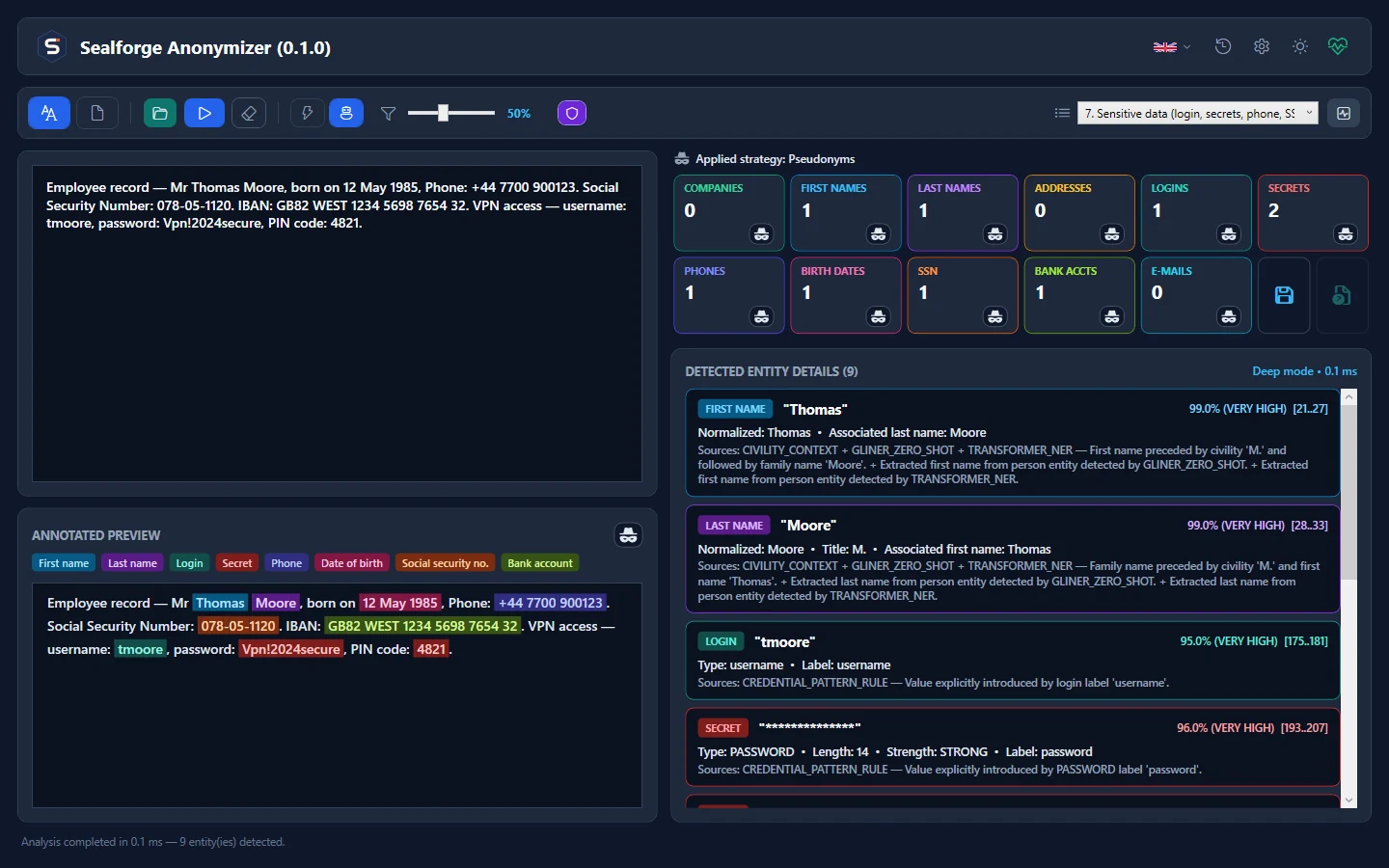
- Deep: adds local language models, for names and companies without an obvious clue.
The slider sets the confidence threshold; strict mode drops ambiguous detections.
Analyze and read the detections
Click Analyze. Each value is highlighted by its category (12 categories: companies, first names, last names, addresses, logins, secrets, phone numbers, birth dates, identity (social security, identity card and passport numbers), bank accounts, emails, customer numbers). The counters sum up, the cards detail: confidence, detection sources, normalized form, checked IBAN…
Show the pseudonymized text
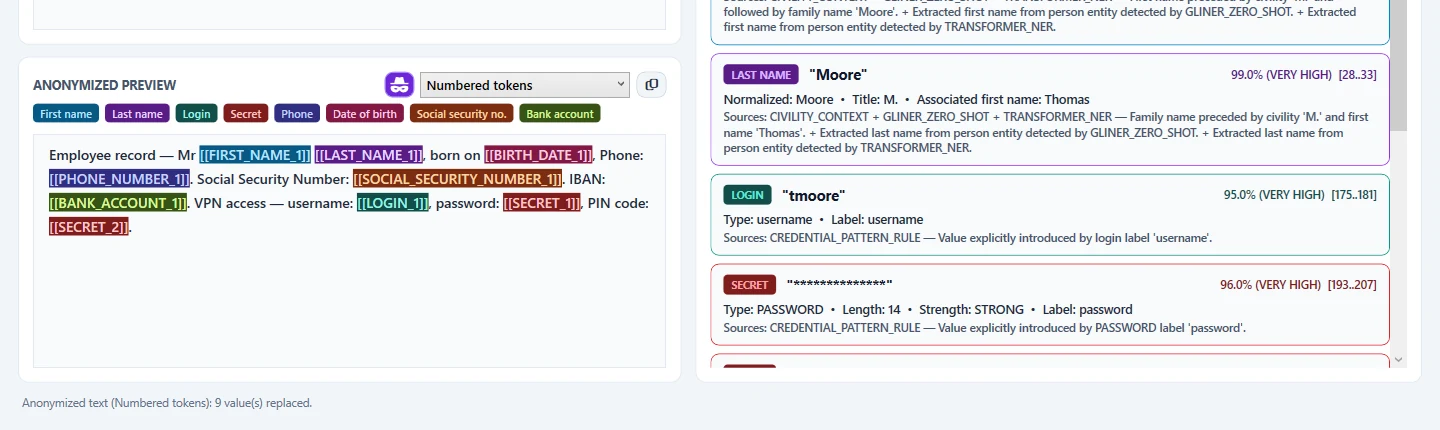
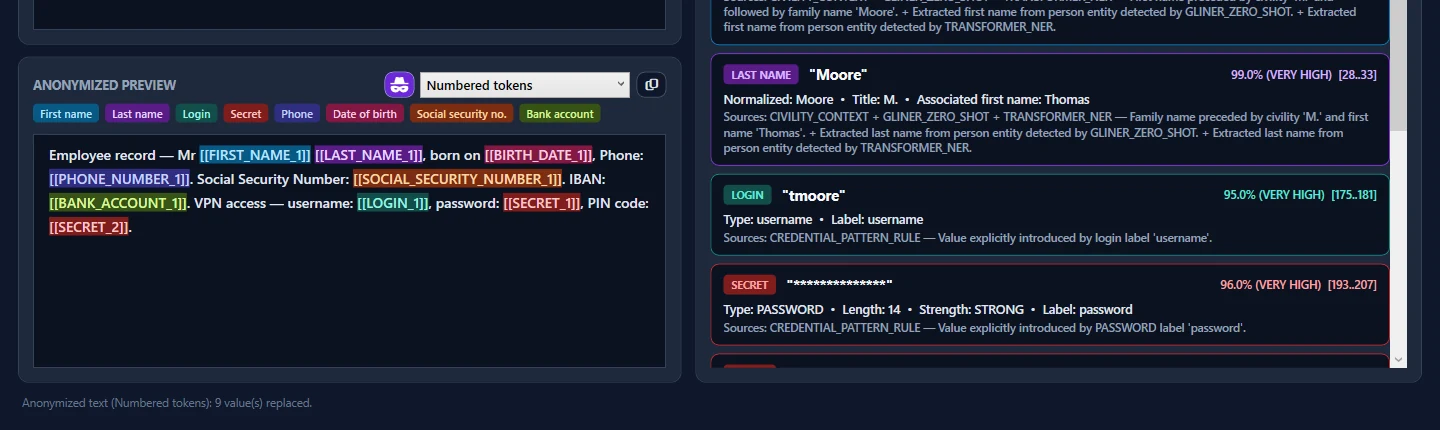
The mask button of the preview shows the pseudonymized text. Pick the strategy in the list: numbered tokens, masking, data type, removal, hashing, pseudonyms or format-preserving.
Copy and share
The copy button puts the pseudonymized text on the clipboard, ready to paste into an AI assistant, a ticket or an email. The pseudonymization is recorded in the history, with the original values encrypted.
In Codex and Claude Code
Copy and paste works with any assistant. With Codex and Claude Code, the agent does the same job, automatically.
Codex
- Your prompts are pseudonymized before they are sent, with the same detection.
- The agent uses numbered tokens: they are what lets the answer be restored without ambiguity.
- Codex's answer comes back with the real values.
Claude Code
- Same treatment of prompts in the terminal, VS Code and the Claude app.
- The model's text is restored as it is displayed.