
Open a file
In the File view, click the folder, drag and drop the file, or copy it in Explorer and press Ctrl+V. Formats: Word, OpenDocument, PDF, Excel, CSV, TSV, JSON, XML, HTML, Markdown, text and configuration files, images.
Read the detections
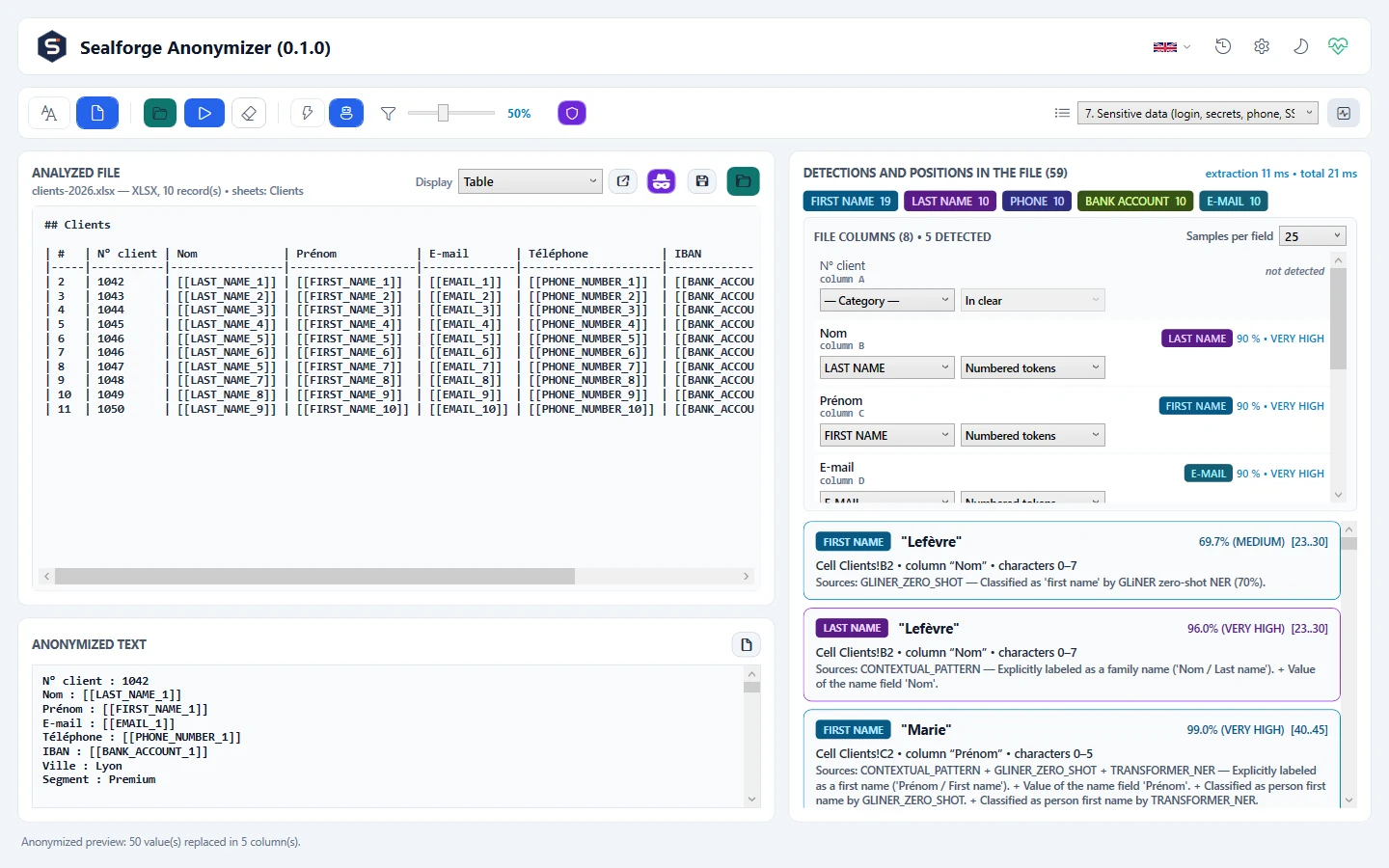
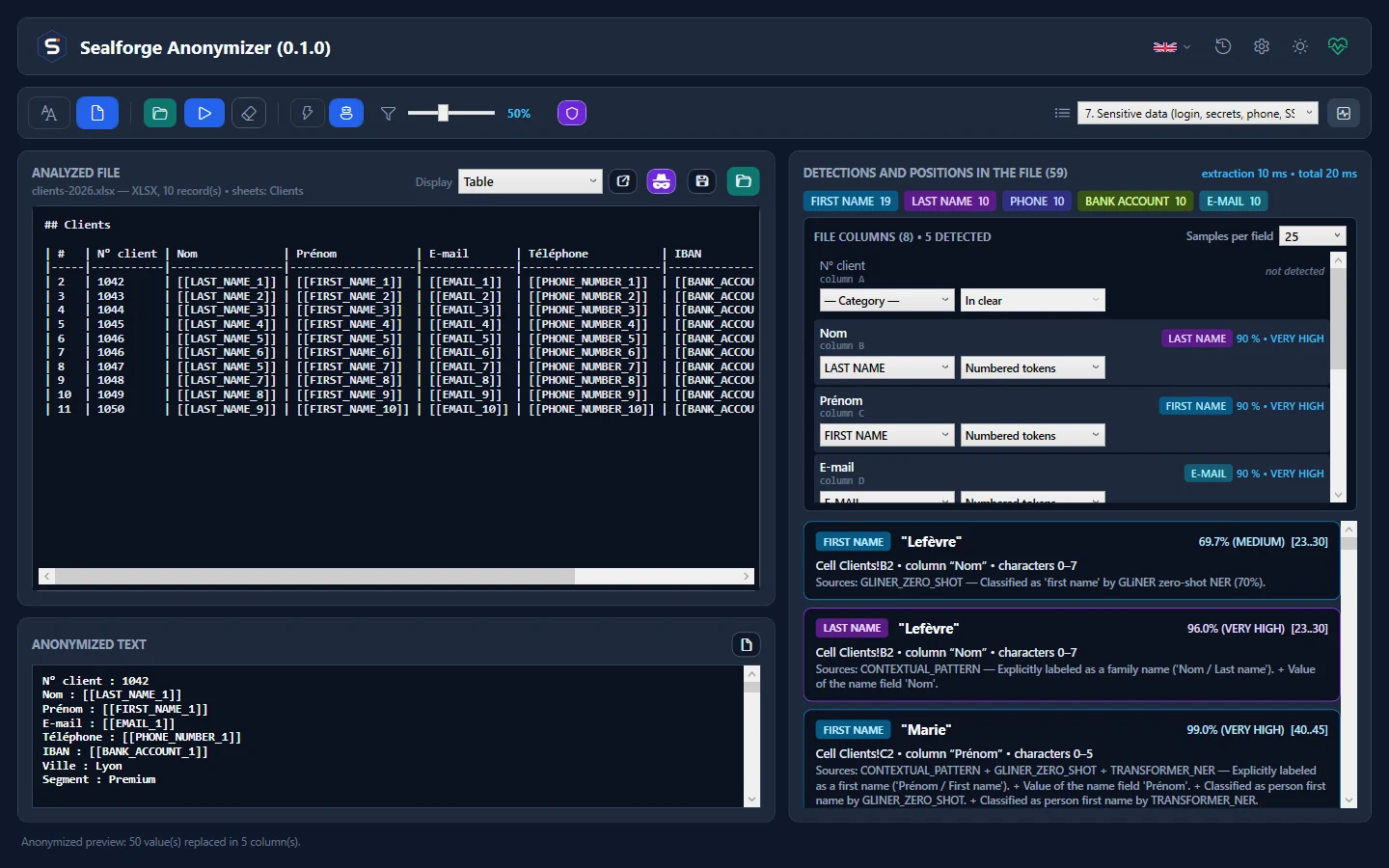
Each detection gives its position: page and coordinates for a PDF, cell for a spreadsheet, line for a text. The extracted text shows at the bottom left.
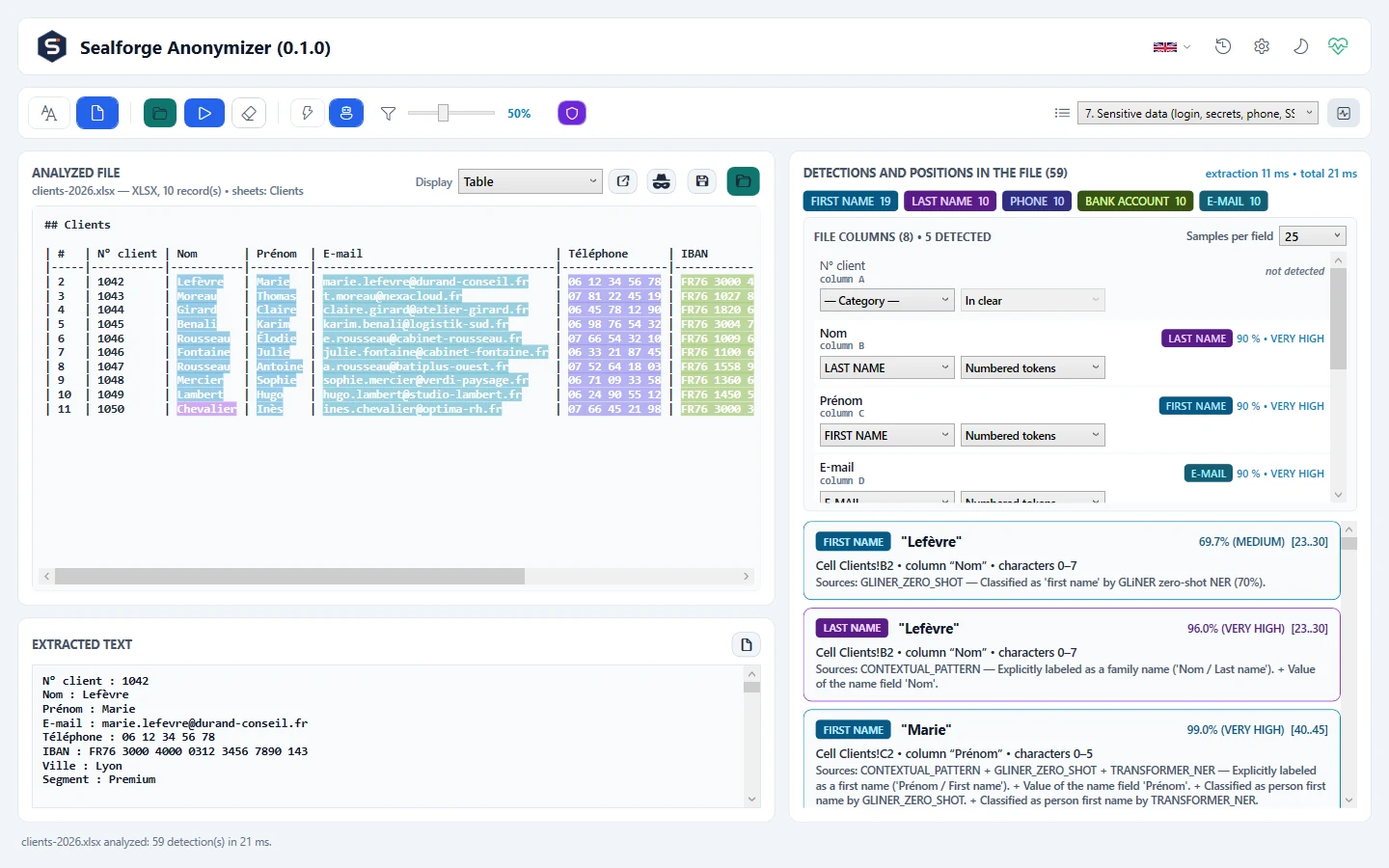
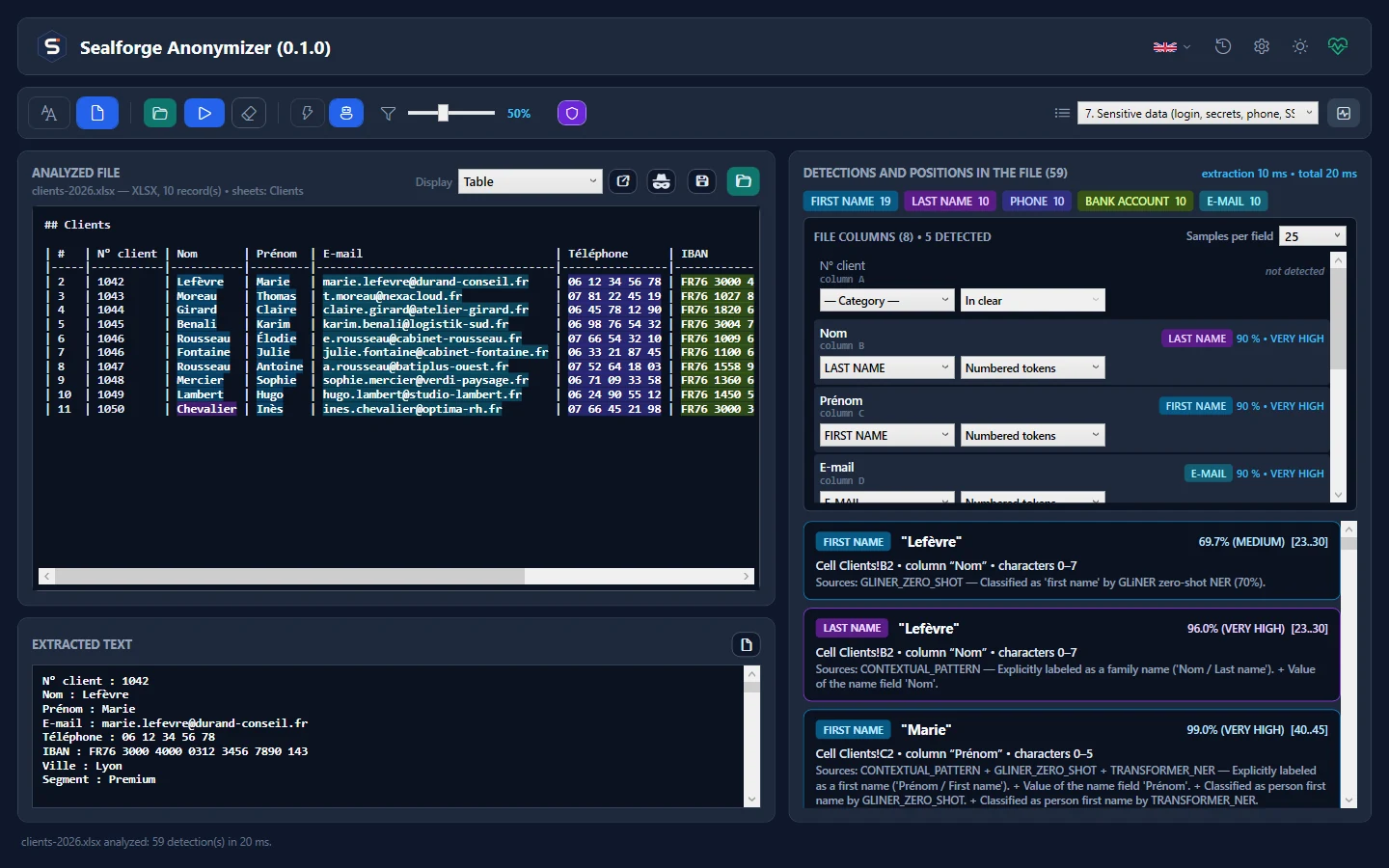
Set the columns of a spreadsheet
For a CSV, an Excel workbook, a JSON or an XML file, the app discovers the columns (or fields) and their category. Adjust the category and strategy of each; columns not detected stay in clear. The Table view shows the file as it is.
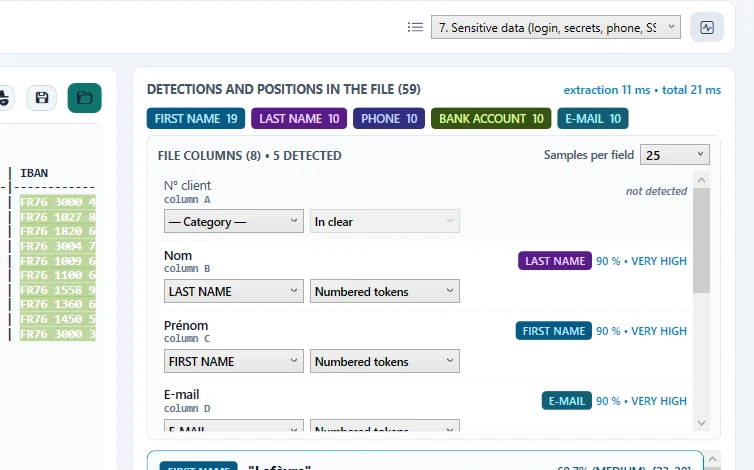
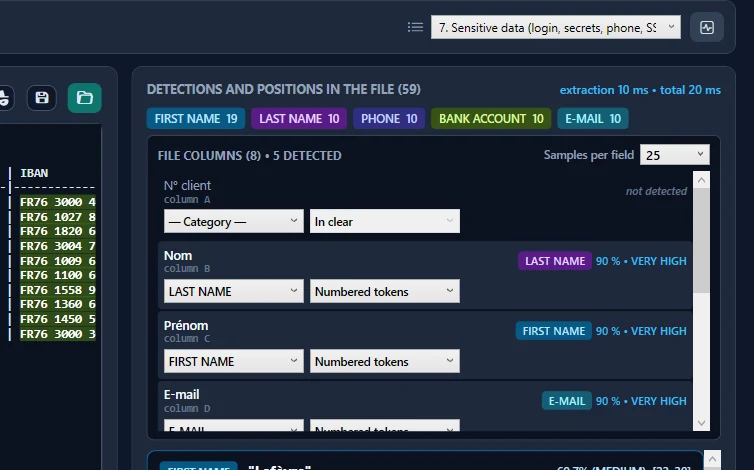
Preview and save
The mask button shows the pseudonymized preview. The save button produces a copy in the same format: a workbook stays a workbook, with its sheets and headers. The original file is never changed.
In Codex and Claude Code
Agents often read your files themselves. The Sealforge agent pseudonymizes what they show the model.
Codex
- An attached file, or a data file a tool reads (
Get-Content clients.csv, a Python script opening a CSV), reaches the model pseudonymized. - A spreadsheet is pseudonymized by its columns, wherever the tool shows its values.
- Code files are left as they are: Codex works on your code normally.
- In the background, the agent learns the values of the data files in the conversation's folder.
Claude Code
- A file mentioned with
@is pseudonymized line by line (a CSV by its columns). - A
Reador a command that names a data file has its output pseudonymized. - In the Claude app, the module asks the model to read the file with Read, whose result it pseudonymizes.